Creating Achievement
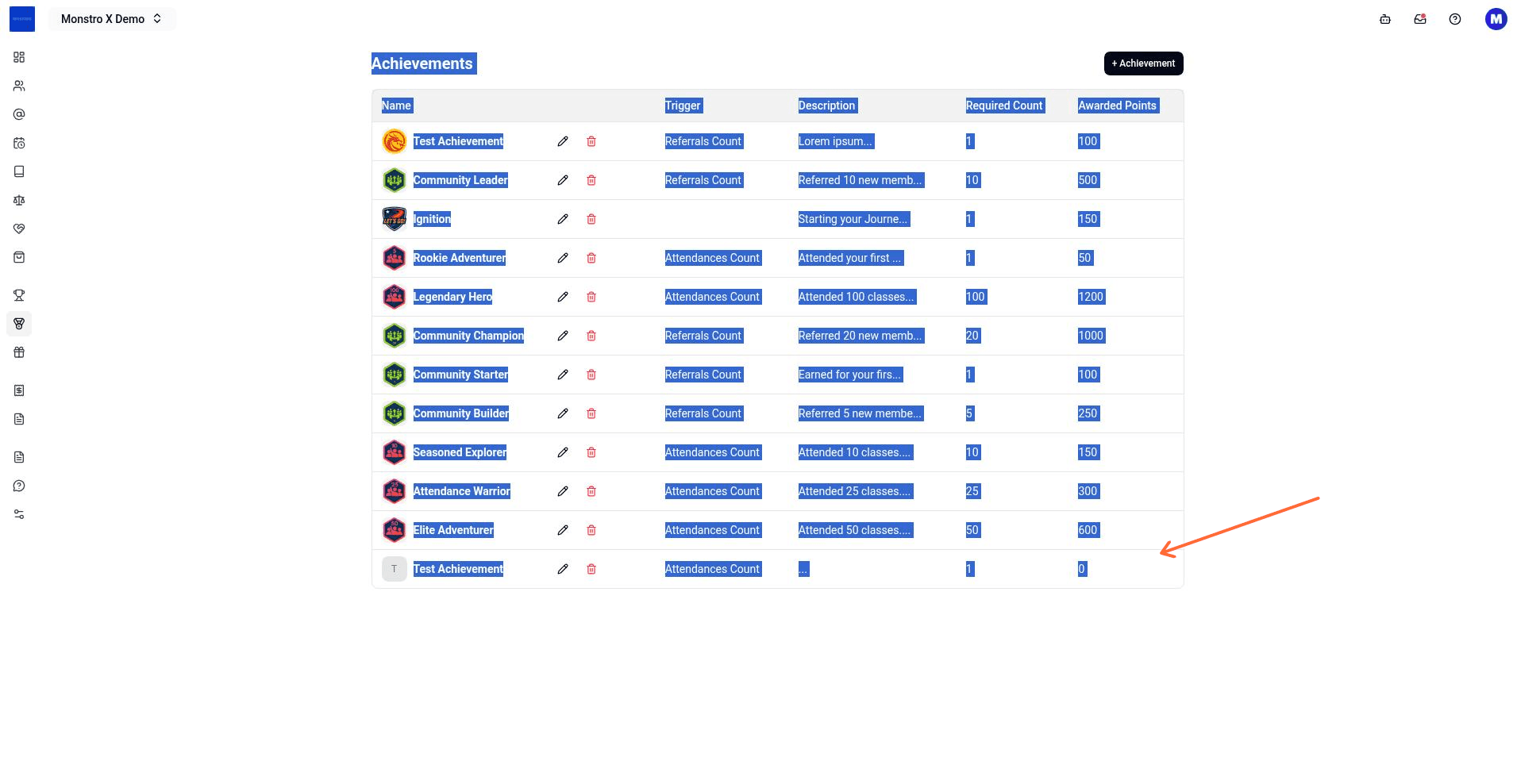
Open the Achievements page under Gamification for your location, click + Achievement, fill in the achievement details, and click Create to add it to your location.
Before you start
- You must be signed in to the Monstro X dashboard.
- You need add achievement permission for the location. If you do not see the + Achievement button, your account does not have this permission.
Create an achievement
- From the dashboard, open the location where you want to add the achievement.
- In the left sidebar, open Gamification and then Achievements.
- Click + Achievement in the top right of the achievements list.
- In the Create Achievement dialog, fill in the required fields:
- Click Create.
The dialog closes and the new achievement appears in the achievements list.
If creation fails
- Achievement already exists for this plan — you cannot create duplicate plan-based achievements for the same plan. Choose a different plan or edit the existing one.
- You are not authorized to create an achievement — your account lacks the add achievement permission for this location. Contact your account owner.
- Something went wrong, please try again later — a server error occurred. Retry after a moment.