
Sending a Group Message
Send a message to every member of a group from the Groups page in your location dashboard. You can also attach images, video, audio, and PDFs.
Before you start
A group must already exist before you can send a message. If your location has no groups yet, create one first.
Send a message to an existing group
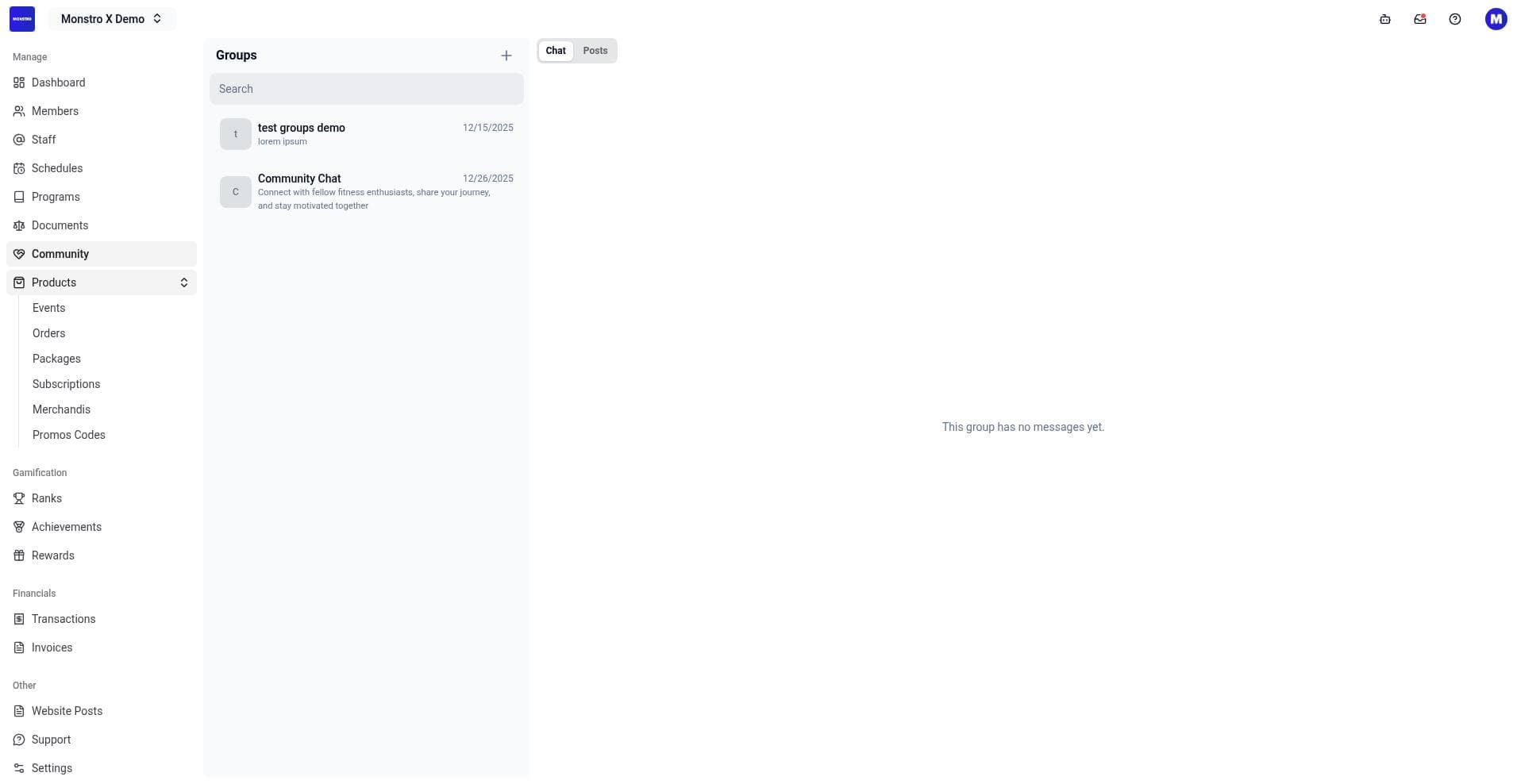
- In your location dashboard, open Groups from the left sidebar.
- Select the Chat tab.
- Click the group you want to message from the list on the left. The chat area on the right shows the group header and any existing messages.
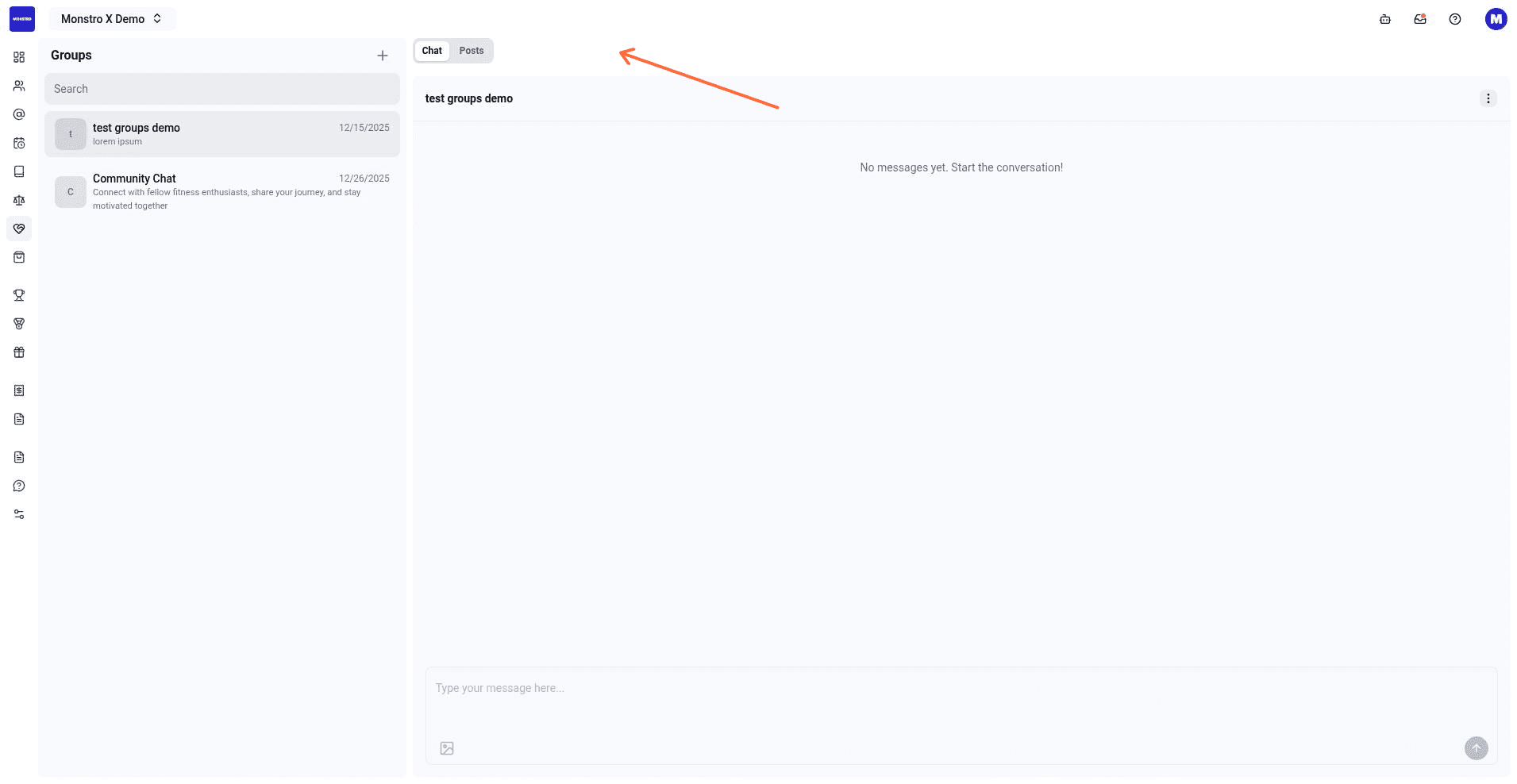
- Click the composer at the bottom of the chat area. The placeholder reads Type your message here....
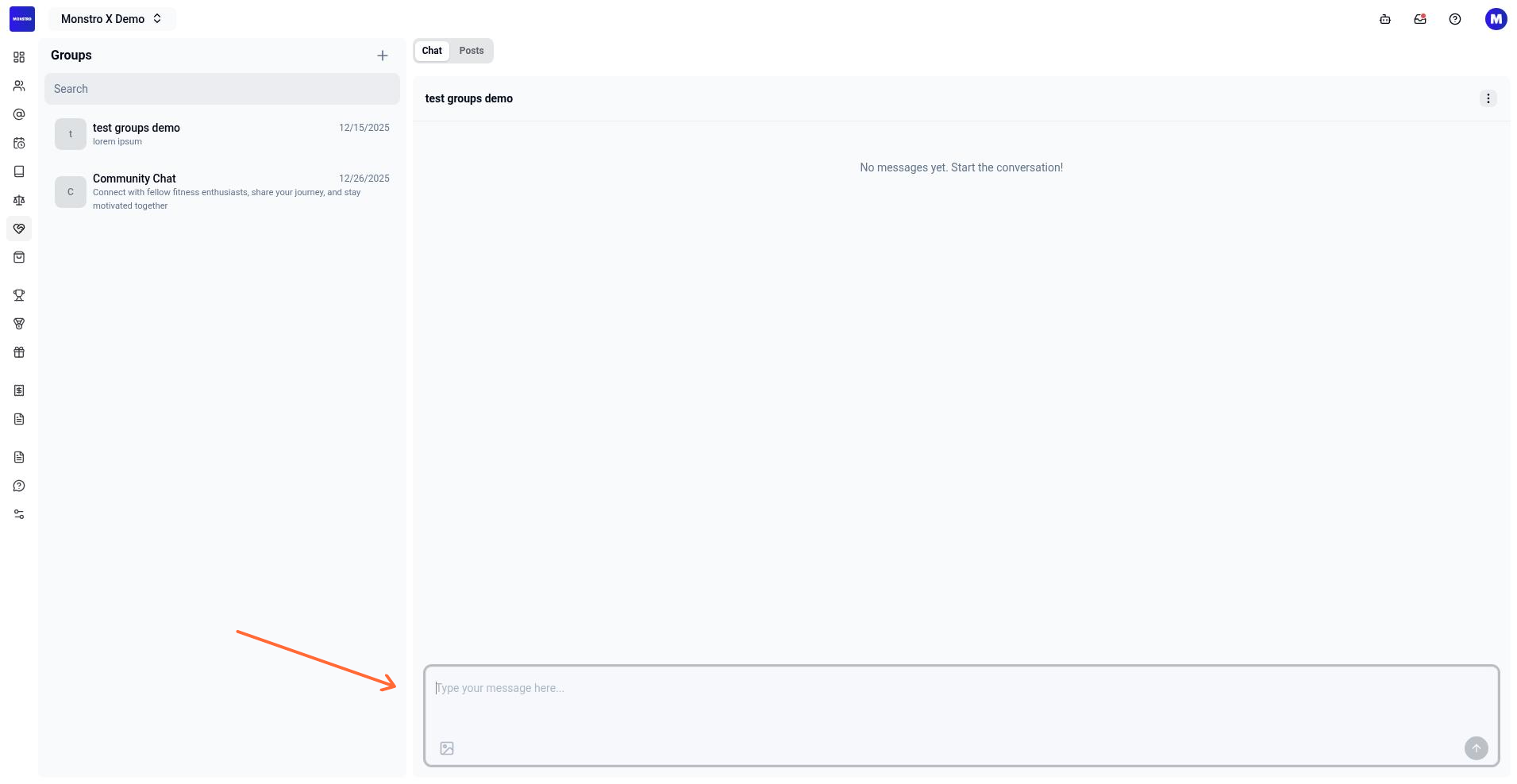
- Type your message, then click Send.
Attach a file
- Click the Attach image button in the composer.
- Select a file from your device. The composer supports images, video, audio, and PDFs.
- Click Send to post the message with the attachment.
[!INFO]
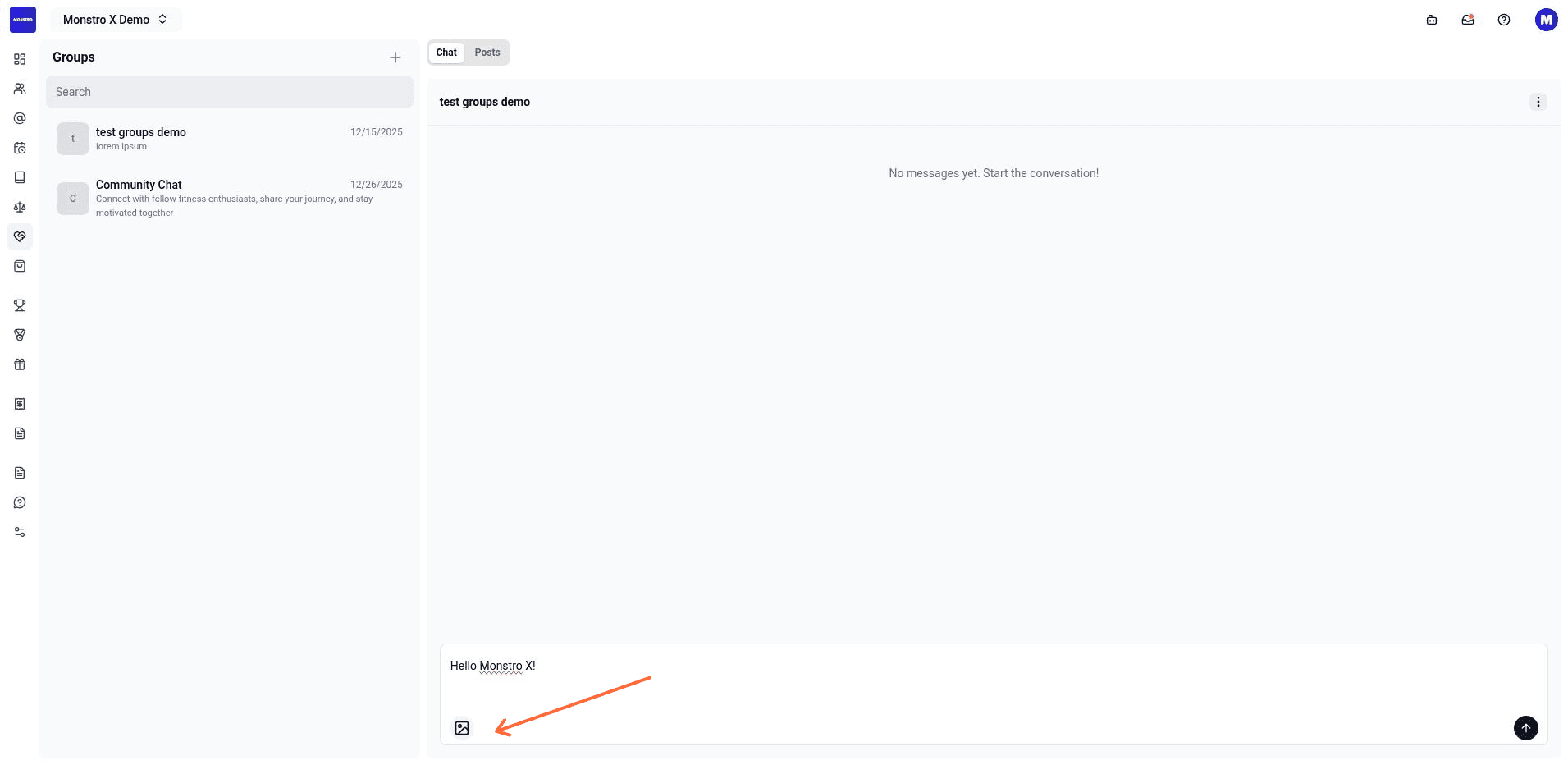
Only members who are already in the group can see the message. To add someone, open the group chat actions and select Add Member.
Create a group first
If no groups exist, the list shows an empty state and the composer is disabled.